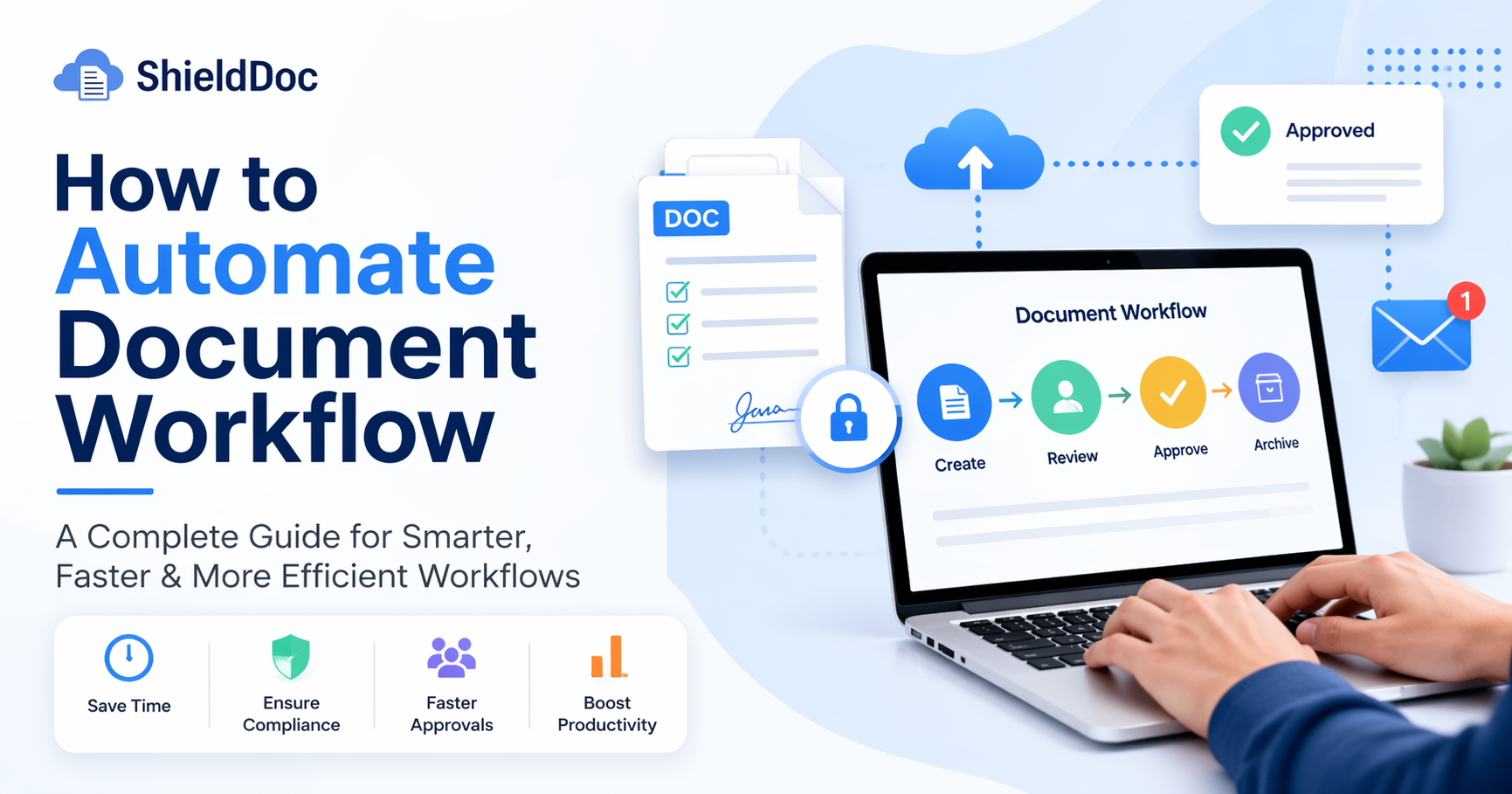
How to Automate Document Workflow: A Complete Guide for Modern Businesses
If your team still spends hours chasing approvals, searching emails for the latest file version, or manually updating documents, you're not alone. This is one of the most common productivity bottlenecks businesses face today.
The good news? You can solve it with document workflow automation. Once implemented, the impact is immediate.
In this guide, you'll learn exactly how to automate document workflows, what tools you need, common mistakes to avoid, and how ShieldDoc can streamline your operations.
What Is Document Workflow Automation?
Document workflow automation is the process of using software to manage how documents are created, reviewed, approved, stored, and shared without manual intervention.
Instead of:
- Sending files back and forth via email
- Waiting for approvals
- Tracking versions manually
Automation ensures:
- Documents follow a predefined path
- Approvals happen faster
- Everything is tracked in real-time
Why Businesses Are Moving Toward Automation
Manual workflows do not scale. That's why companies across India are adopting document workflow automation software.
Key Benefits
- Saves time with no more manual follow-ups
- Reduces errors through automated checks
- Improves compliance with complete audit logs
- Faster approvals using defined workflows
- Better collaboration on one shared version
Step-by-Step: How to Automate Document Workflow
1. Identify Your Current Workflow
Before automation, understand your current process.
- Who creates the document?
- Who approves it?
- How is it shared?
- Where does it get stuck?
Example: Invoice ? Manager ? Finance Head ? Client
Mapping this helps you design an efficient automated process.
2. Choose the Right Software
Look for these features:
- Easy workflow builder
- Approval routing
- Document storage
- Integration with existing tools
A reliable solution like ShieldDoc offers everything from document handling to approvals in one place.
3. Define Workflow Rules
Automation works on logic. You need to define:
- Who approves what
- Conditions (for example, amount above Rs. 50,000 needs senior approval)
- Deadlines and reminders
Example Rule: If contract value is above Rs. 1 lakh, send it to Legal and Director for approval.
4. Digitize Your Documents
Paper-based workflows will not automate themselves. Convert these into digital formats:
- Contracts
- Invoices
- HR forms
- Reports
Store them in a centralized system.
5. Set Up Approval Workflows
Use workflow software to:
- Assign approvers
- Enable one-click approvals
- Add comments or changes
- Track status in real-time
No more asking, "Did you check the file?"
6. Automate Notifications and Reminders
One of the biggest delays in any workflow is waiting. Automation fixes this with:
- Email alerts
- Task notifications
- Escalations for delays
Example: If approval is pending for 48 hours, an auto-reminder is sent.
7. Integrate With Existing Tools
Your workflow should not exist in isolation. Connect it with:
- CRM
- Accounting software
- HR systems
Modern document management solutions make workflows seamless across departments.
8. Monitor and Optimize
Automation is not set-and-forget. Track:
- Approval times
- Bottlenecks
- User activity
Then refine your workflow for better performance.
Real-World Example
A Jaipur-based company implemented workflow automation for vendor onboarding.
Before Automation:
- Manual form filling
- Email approvals
- Lost documents
- 5 to 7 days processing time
After Automation with ShieldDoc:
- Online form submission
- Auto-routing to departments
- Instant notifications
- Completion in 24 to 48 hours
That is a 60 to 70 percent improvement in efficiency.
Common Mistakes to Avoid
- Overcomplicating workflows
- Ignoring user training
- Not defining clear roles
- Skipping testing
- Choosing the wrong software
How Much Does It Cost?
One of the most common questions businesses ask is about document workflow automation pricing in India.
Costs depend on:
- Number of users
- Features
- Integrations
The key is to focus on ROI, not just cost.
Why Choose ShieldDoc?
- Easy-to-use interface
- Custom workflow automation
- Secure document storage
- Real-time tracking
- Affordable pricing for Indian businesses
Whether you need a local solution or nationwide support, ShieldDoc offers flexibility for all business sizes.
Tips for Successful Implementation
- Start with one workflow first
- Get team feedback early
- Use templates to save time
- Set realistic expectations
- Monitor performance regularly
The Future of Document Workflows
Automation is no longer optional. It is becoming standard.
Businesses that adopt it early:
- Move faster
- Reduce costs
- Improve customer experience
Those that do not will keep chasing emails and approvals.
Conclusion
Automating your document workflow is not just about saving time. It transforms how your business operates.
From faster approvals to better compliance and improved productivity, the benefits are too significant to ignore.
If you are still managing documents manually, now is the time to upgrade.
Ready to streamline your document processes? Start your automation journey with ShieldDoc today and experience a smarter, faster, and more efficient way to manage documents.
FAQs
1. What is document workflow automation?
It is the process of automating document creation, approval, and management using software to reduce manual work.
2. Is document automation suitable for small businesses?
Yes, even small businesses benefit from faster processes, reduced errors, and better organization.
3. How long does it take to implement a workflow automation system?
Basic workflows can be set up in a few days, while complex systems may take a few weeks.
4. Can I integrate document automation with my existing software?
Most modern tools support integrations with CRM, HR, and accounting systems.
5. What industries benefit the most from document automation?
Industries like finance, healthcare, legal, real estate, logistics, and IT benefit significantly due to heavy documentation needs.